

Pillar 01
01Live GPS visibility
See where assets are now-not where they were a minute ago. Maps stay readable under load so dispatch and management share one truthful picture.
Live visibility, history, and alerts-built for real fleets.
What you get first
Everything else on this page extends these pillars- visibility, history, signal, and safety.

See where assets are now-not where they were a minute ago. Maps stay readable under load so dispatch and management share one truthful picture.
Reconstruct routes and stops when you need answers: customer disputes, compliance questions, or training moments. Timeline views complement the map.
Configure events that match how you run the fleet-boundaries, behaviour, and operational exceptions-delivered in time to respond, not to panic.
Surface excessive speed and risky patterns early. Fewer incidents, lower fuel waste, and a clearer story for insurers and stakeholders.

Plan with Wegashine
Tell us vehicle types, regions, and how you want alerts to flow-we’ll map the right stack.
Spotlight
Reporting and automation that turns positions into decisions-fuel, mileage, maintenance, and boundaries.

Where hardware and plans support it, monitor usage trends and anomalies that point to theft, poor routing, or maintenance needs.
Finance and operations often disagree because they work from different numbers. When consumption is tied to real movement and stops, conversations shift from debate to action-you see the same story on the map and in the report.

Understand legs between stops, dwell time, and detours-so you can coach drivers and refine schedules with evidence.
Replay is not only for disputes. Supervisors use legs and dwell to explain delays to customers, tighten windows for the next day, and recognise consistent, efficient runs worth standardising.

Daily distance and stop summaries help finance, leasing, and operations stay aligned without manual logbooks.
Leasing, tax, and internal chargebacks all want trustworthy mileage. Automated summaries reduce back-and-forth and cut the risk of estimates that no one can defend later.

Send the right signal to the right people by role, group, or severity so nothing critical gets lost in a group chat.
Severity and audience should not be an afterthought. Route by role or group so yard teams, security, and management each get the signal they can act on-without everyone pinged for every event.
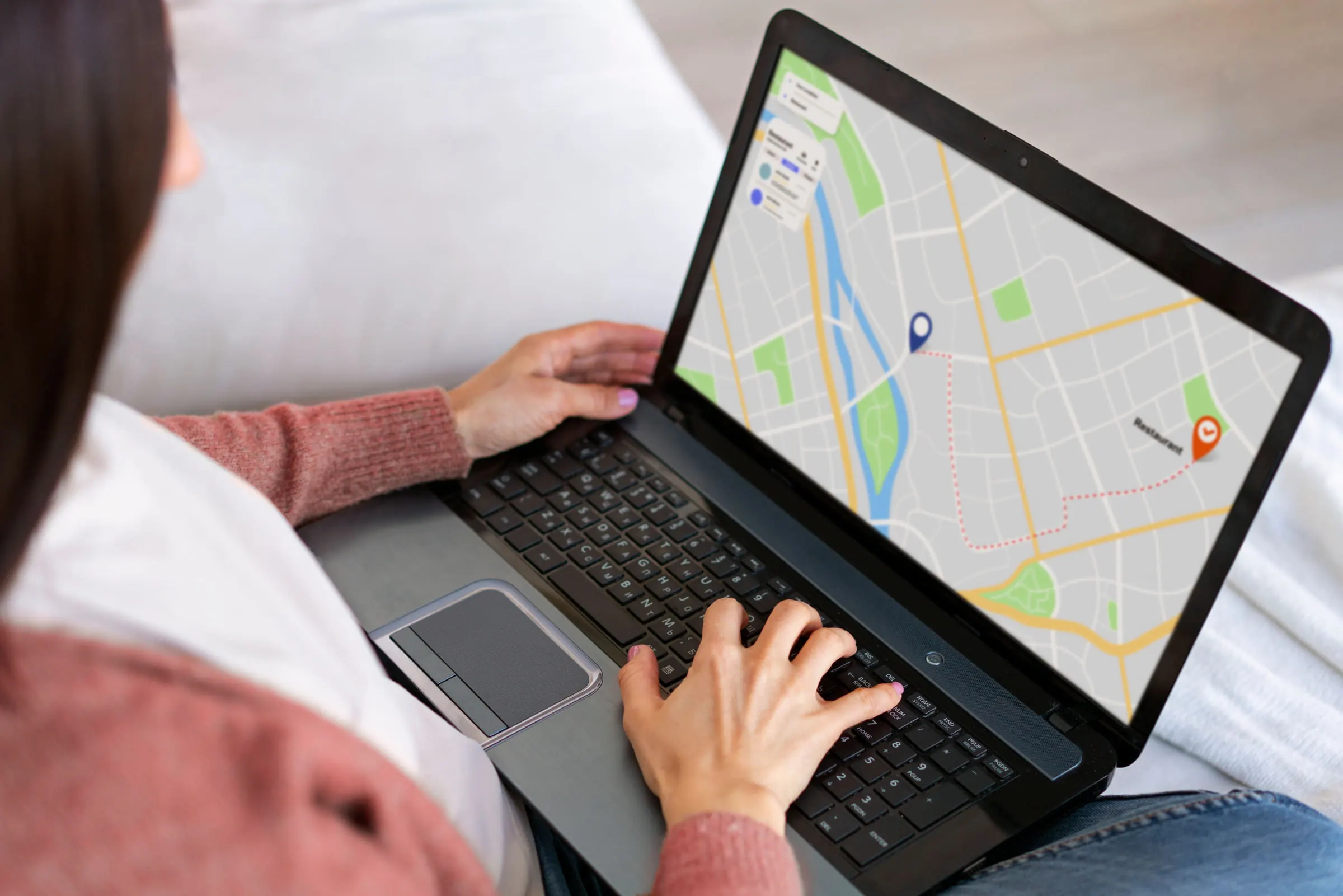
Configurable reporting balances battery, connectivity, and urgency-so critical assets stay current without burning power.
Not every asset needs the same heartbeat. High-value or time-sensitive units can report more often when it matters; long-idle or battery-powered hardware can ease off when stability matters more than every-second precision.
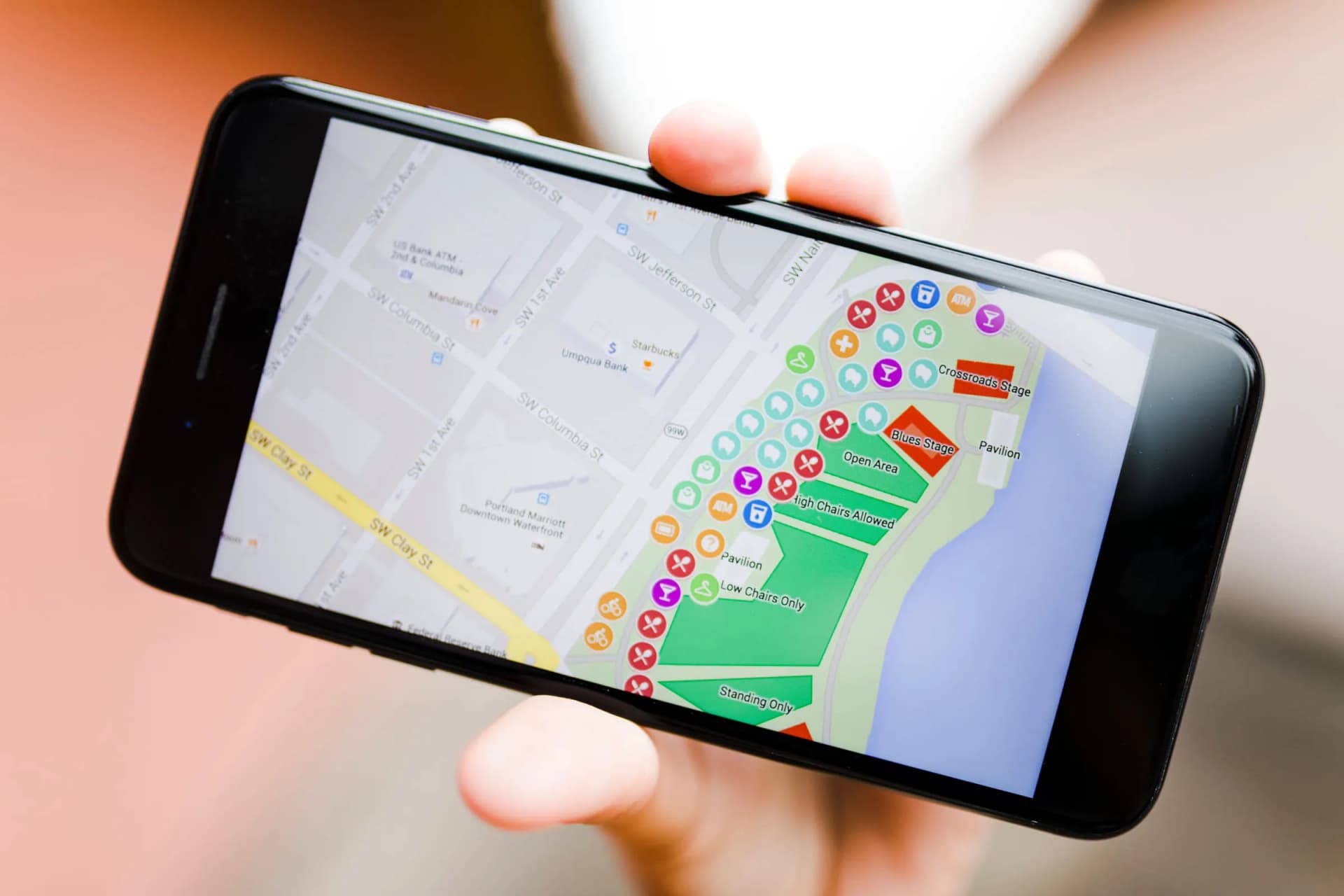
Draw regions that matter-depots, job sites, borders-and automate entry, exit, and dwell awareness.
Zones turn the map into automation: know when an asset entered a yard, left a job site, or stayed inside a corridor longer than policy. Pair geofences with alerts so the right people hear about it in time.
Capability catalog
A concise map of what the platform can cover as you scale-availability may vary by device and plan.
Monitor groups and sub-fleets from a single account structure built for growth.
Switch perspectives-streets, satellite, hybrid-so context matches the job.
Where supported by device and policy, authorize stop/resume actions with clear audit context.
Keep PM windows visible before small issues strand a vehicle.
See when an asset is truly running versus parked with power.
Know when a device may have been disturbed so you can intervene quickly.
Optional traffic overlays where the map provider supports them-plan-dependent.
Be told when an asset starts moving after hours or outside an approved window.
Estimate paths from a live position to a destination you choose on the map.
Cut fuel burn and emissions with alerts when engines run longer than policy allows.
Jump the map to a location without copying coordinates by hand.
Set limits that match road class, vehicle type, or contract-per group if needed.
Pull structured summaries for finance, HR, or BI when spreadsheets still run the business.
Open street imagery where available to verify handovers, gates, or unfamiliar sites.
Mark yards, clients, or hazards once-reuse them across maps and alerts.
Operators, partners, and admins see only what governance allows.